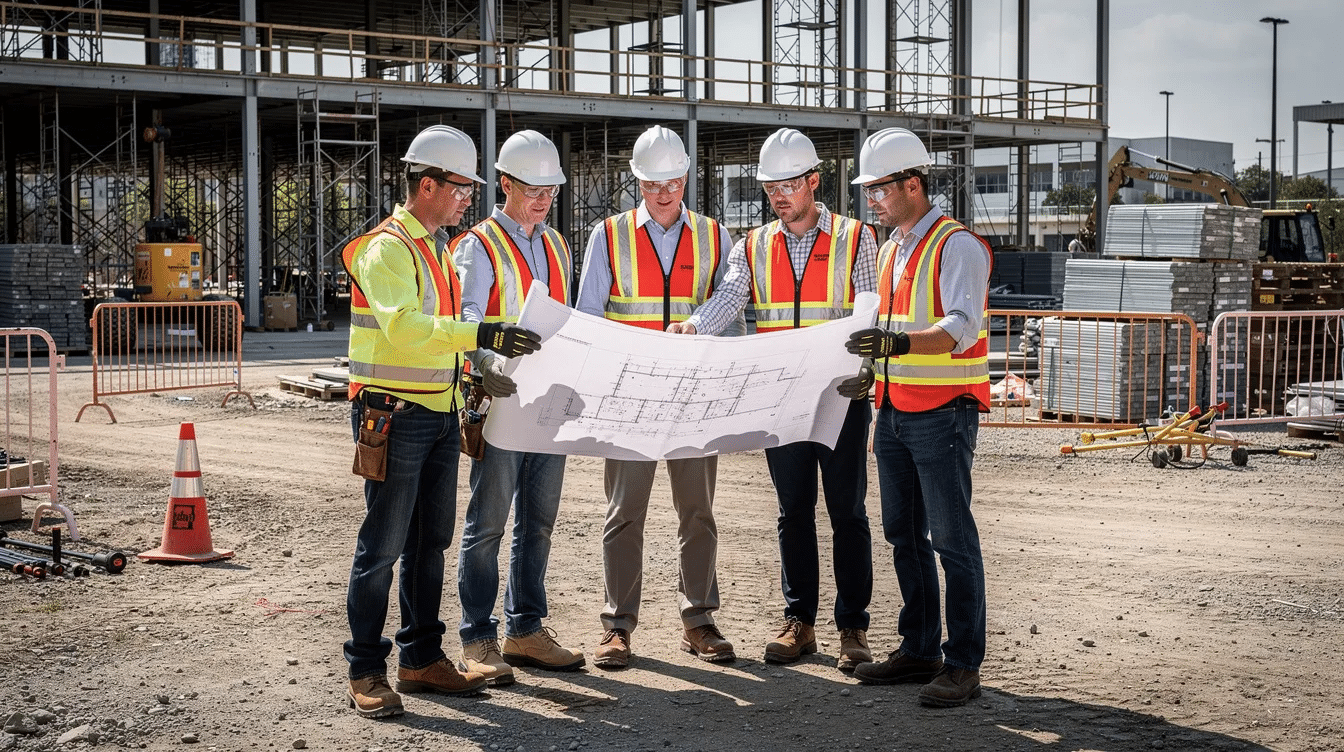
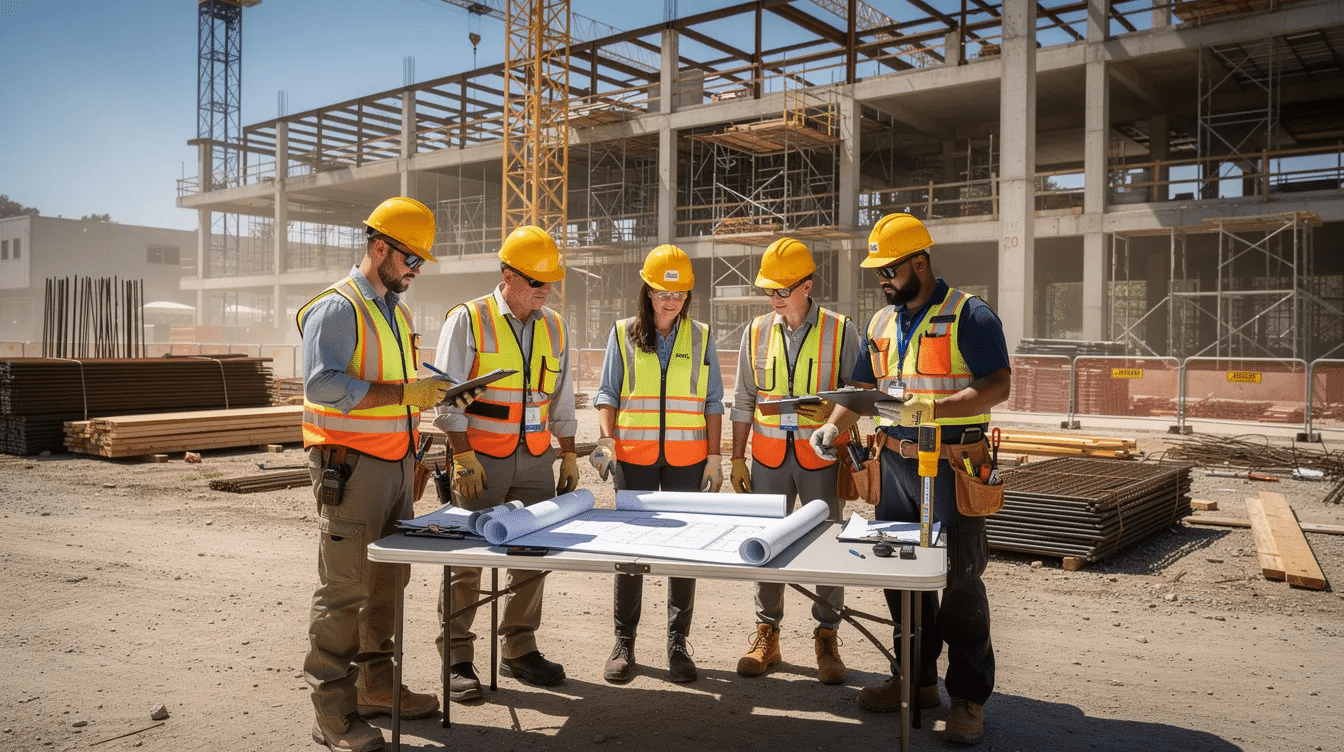
Setting jobsite automation limits means deciding which construction tasks to automate, which must remain human-led, and who has the authority to make that call. For contractors across the Ohio Valley, from Cincinnati and Dayton to Springfield, Lima, Northern Kentucky, and Southeastern Indiana, this is not a theoretical question. It is a leadership decision that affects safety, productivity, and project outcomes on every commercial and industrial construction site.
Construction Executive recently highlighted a timely national question: where should automation stop on a jobsite, and who decides? For Ohio Valley contractors, that question becomes practical fast. Layout robots, drone mapping, AI-supported document workflows, and semi-autonomous equipment are already part of the broader construction conversation. The issue is not whether these tools exist. It is whether your company has a clear process for deciding when to use them, when to limit them, and when human workers must stay firmly in control.
Where Automation Can Help on Construction Sites
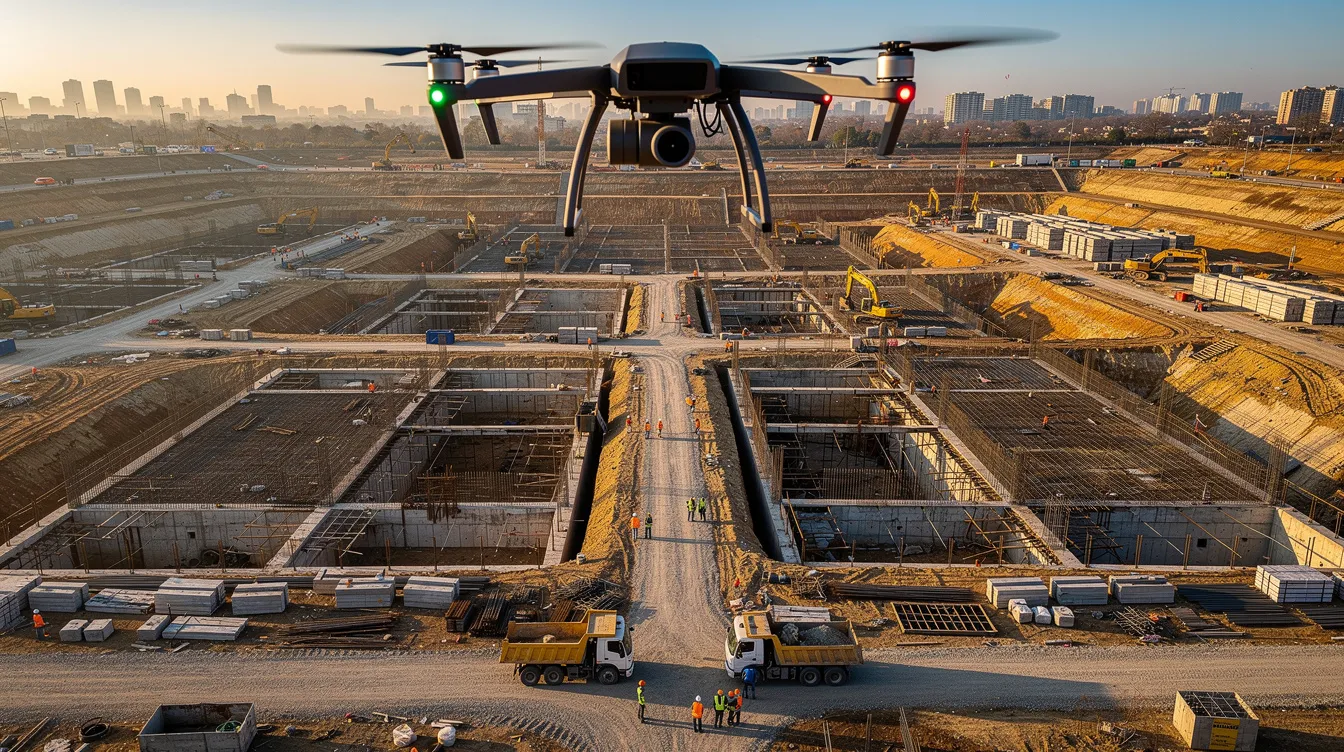
On commercial and industrial projects, the best candidates for automation are usually repetitive tasks, high-exposure work, and precision-dependent operations. NIOSH guidance on construction robotics notes that robotics can reduce worker exposure to hazardous tasks, but it also stresses that those systems must be planned carefully with Prevention through Design principles and task-specific risk assessments. That makes automation a selective tool, not a blanket solution.
For Ohio Valley contractors, practical examples could include robotic layout on a hospital or warehouse slab, drone surveys on a large site, or software automation that routes RFIs and organizes safety observations. In each case, the value comes from reducing manual repetition, improving visibility, or limiting exposure to certain hazards, while keeping project leadership responsible for the decision.
Automation tends to be most useful when it supports work like:
- Repetitive layout, surveying, or measurement tasks where consistency matters
- Work in hazardous or hard-to-access areas where reducing direct exposure benefits crews
- Routine information handling, such as routing project documents or organizing field observations
- Data collection tasks, including drone-based progress documentation or site mapping
- Material-handling or physically demanding tasks that may reduce strain when the equipment fits the site conditions
That does not mean every repetitive or difficult task should be automated. It means those tasks are often the right starting point for evaluation.
When Automation Starts to Create New Risk
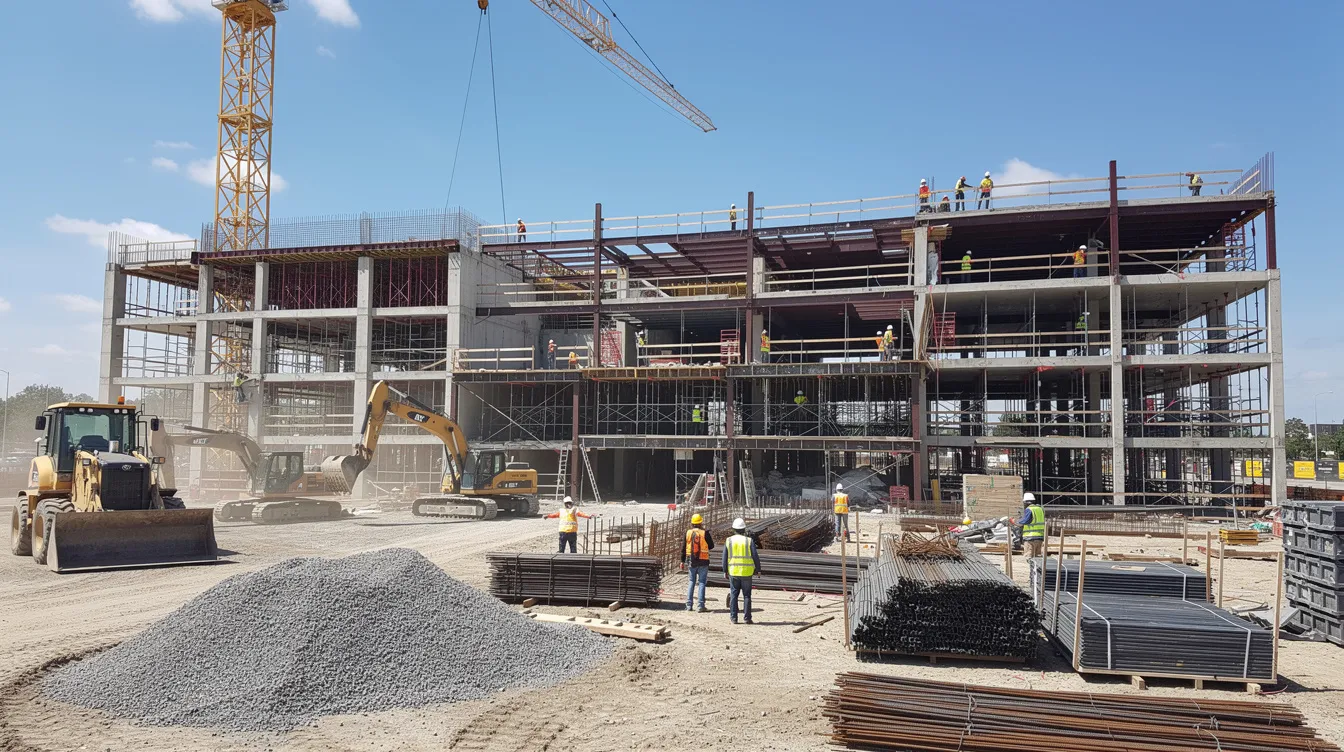
Automation can remove some hazards, but it also introduces new ones. OSHA’s robotics overview says many robot accidents happen during non-routine conditions such as setup, programming, maintenance, testing, or adjustment. On an active construction site, those conditions are often more complex than in a fixed industrial setting because access routes change, multiple trades overlap, and the work area keeps evolving.
That means contractors need to plan for risks such as:
- Unexpected motion, struck-by, or caught-in hazards around robotic or semi-autonomous equipment
- Human-robot blind spots in congested work zones
- Sensor or navigation problems caused by dust, weather, vibration, or uneven terrain
- Connectivity or software failures that interrupt automated functions or reporting
- Overreliance on digital outputs that still require human review
- Maintenance and troubleshooting tasks that place workers inside a machine’s operating envelope
These are exactly the kinds of issues that make jobsite automation limits a governance question, not just a purchasing decision. A tool may work well in one environment and become a poor fit on a crowded renovation, an industrial retrofit, or a weather-exposed site along the I-75 or I-70 corridors.
Who Should Decide Where Automation Stops?
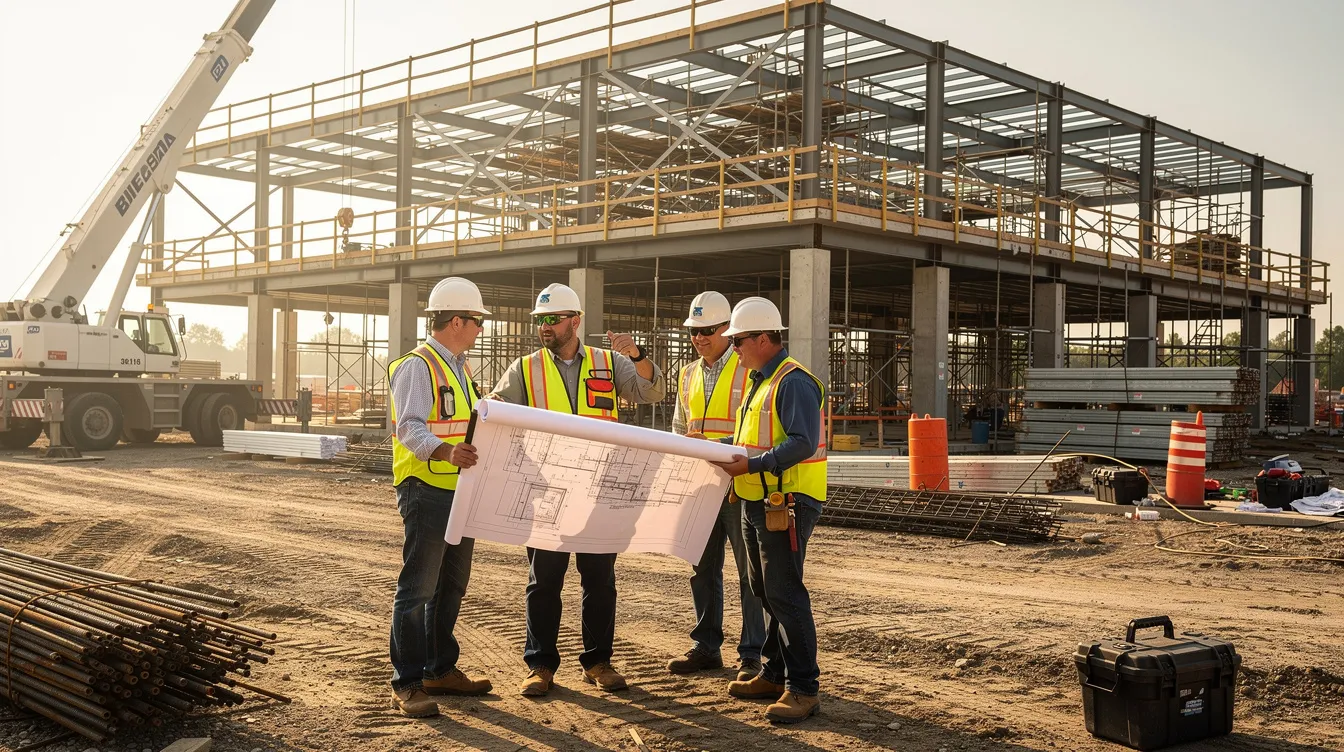
For most merit shop contractors, the answer should not rest with one person acting alone. Automation decisions need defined roles, clear authority, and field-level input. A workable structure often looks like this:
- Owner, president, or executive sponsor: approves major investment, sets risk tolerance, and defines company-level expectations
- Operations leader or project executive: decides which projects are appropriate for a pilot and ensures the process is followed
- Project manager and superintendent: control daily deployment decisions and retain authority to stop or limit use based on site conditions
- Safety leader: reviews hazards, training, procedures, and acceptance requirements before use
- Equipment, technology, or operations support staff: evaluate maintenance, reliability, compatibility, and operating requirements
- Craft and field personnel: provide practical input about workflow, congestion, visibility, and real-world usability
This structure matters because the people closest to the work often see the problems first. Treating automation as an office-only or IT-only decision disconnects it from the jobsite realities that determine whether the tool is actually safe and useful.
Some contractors may formalize this through a steering group or review team. Others may use a simpler project-by-project approval process. Either way, the principle is the same: the company should define who recommends, who approves, who can stop work, and who must be consulted before deployment.
The Safety Gate Before Any New Tool Goes Live
Before using a robotic, autonomous, or AI-supported tool on a project, contractors should establish a basic safety gate. OSHA’s Technical Manual says to select robotics safety systems based on a hazard analysis for the specific operation, and to perform site acceptance before initial startup of a robot application. OSHA’s Job Hazard Analysis guidance also supports breaking work into steps, identifying hazards at each step, and defining controls before the task begins.
In practice, that safety gate should include:
- A task-specific hazard analysis covering routine and non-routine work
- Review of worker interaction with the tool in shared work areas
- Function checks and site acceptance testing under actual field conditions
- Emergency stop verification and confirmation of guarding or separation measures
- Written startup, shutdown, maintenance, and emergency procedures
- Training documentation for workers who will operate, work near, or troubleshoot the system
- Confirmation of any project-specific or jurisdiction-specific requirements that may apply
This process matters because many serious incidents occur outside normal production mode. The risk is often highest when the machine is being adjusted, tested, cleaned, or repaired rather than when it is running under ordinary conditions.
How to Run a Job Hazard Analysis for Automation
When contractors introduce automation, the job hazard analysis should go beyond the primary task. It should examine normal operations, non-routine operations, worker interaction in shared space, emergency conditions, and material flow.
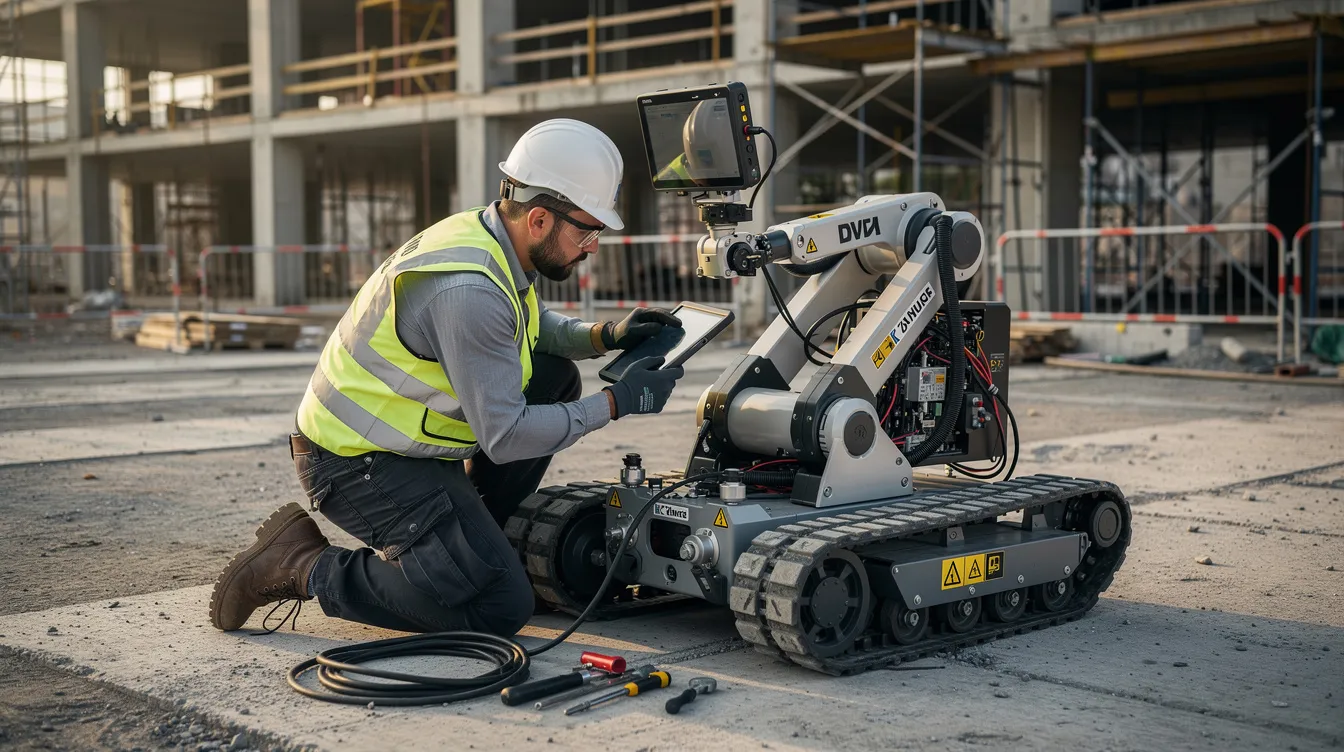
Consider a robotic or semi-automated tool working on a slab or deck. Questions to ask include:
- What happens if the system loses power, positioning, or sensor accuracy?
- Where will workers stand during operation, setup, and maintenance?
- When do workers enter the machine’s envelope, and what controls prevent unexpected movement?
- How will the tool behave near edges, openings, traffic routes, or other active equipment?
- Who verifies that the automated output is accurate before the work proceeds?
This is where site acceptance matters. A tool that performs well in a controlled demo may behave differently under dust, glare, congestion, rain, uneven surfaces, or changing access conditions. Contractors should verify performance under actual project conditions rather than assuming vendor settings will transfer cleanly to the field.
Which Decisions Should Stay Human-Led?
Even as automation improves, some construction decisions should remain firmly under human control. That includes:
- Stop-work authority: the superintendent, foreman, or safety leader on site must be able to halt work without waiting on a system recommendation
- High-risk judgment calls: changing site conditions, trade conflicts, weather shifts, and access problems still require field judgment
- Inspection and sign-off responsibilities: critical quality, safety, and compliance reviews should remain with qualified people
- Major scope, schedule, or sequencing changes: automated suggestions may inform the discussion, but people must make the decision
- Emergency response: if conditions deteriorate, humans must control the response plan
For many contractors, the simplest way to enforce this is by establishing explicit human hold points. Those are moments where the process pauses until a person reviews the condition, confirms the output, or authorizes the next step. Hold points may make sense before concrete placement, before a crane pick, before tying into existing utilities, or whenever an automated output could materially affect safety or quality.
How Ohio Valley Contractors Can Pilot Automation Without Overreaching
The best starting point is usually a focused pilot, not a company-wide rollout. A limited trial on one project or workflow lets contractors test whether a tool fits their operations without assuming broad success too early.
Strong pilot candidates often include:
- Drone-based progress documentation on a large site
- Robotic layout on a slab or repetitive floor plate
- Software automation for document routing or preconstruction workflow support
Before the pilot begins, define what success means. The most useful measures are usually operational, such as:
- Crew hours required for the task
- Rework or correction frequency
- Schedule reliability for that activity
- Worker feedback on usability and site fit
- Safety observations, near misses, or access conflicts
The Bureau of Labor Statistics defines labor productivity as output per hour worked, which gives contractors a practical lens for evaluating whether automation improved the work or simply shifted time and risk elsewhere. Early disruption during a pilot is possible and does not automatically mean the tool failed. The better question is whether the process becomes safer, more reliable, or more efficient after the team learns how to use it under real field conditions.
A Decision Checklist for Jobsite Automation Limits
Use this checklist in preconstruction, pre-task planning, or a technology review meeting:
- What specific problem are we trying to solve with this tool?
- Is the task repetitive, hazardous, data-heavy, or precision-sensitive enough to justify automation?
- What hazards might be removed, and what new hazards might be introduced?
- Has a task-specific hazard analysis been completed for both routine and non-routine work?
- Who approves deployment, and who has stop-work authority on site?
- What training do operators, nearby workers, and supervisors need before use?
- What does the site acceptance test include?
- How will workers verify automated outputs before relying on them?
- Does the tool fit the actual site environment, including congestion, weather, access, and connectivity?
- What human hold points should remain in place even if the tool performs well?
If a team cannot answer those questions clearly, the tool probably is not ready for deployment on that project.
Documentation and Accountability Matter
Contractors do not need a complicated new bureaucracy to manage automation well, but they do need consistent documentation. A simple internal record for each deployment can help teams evaluate what worked, what created risk, and what should change next time.
That record might include:
- Tool name, vendor, software or firmware version, and project used
- Task performed and hazards identified during review
- Training records, test results, and acceptance approvals
- Performance notes, including output, rework, downtime, and field feedback
- Safety findings, near misses, or procedural changes needed before reuse
For merit shop contractors, this kind of documentation supports a practical business case. It helps companies show that technology decisions are being made with discipline, not hype. That can strengthen client confidence while reinforcing a competitive model built on performance, value, and accountability.
How ABC Ohio Valley Can Support the Conversation
ABC Ohio Valley supports contractors through safety education, professional training, workforce development, advocacy, and member resources that help firms evaluate changing jobsite practices with a clear operational lens. For contractors weighing new robotics, automation tools, or AI-supported workflows, that broader network can be useful as they compare approaches, build internal leadership capacity, and strengthen field decision-making.
Contractors interested in chapter resources can explore ABC Ohio Valley membership or review the chapter’s advocacy resources. The immediate next step, though, is simpler: ask your leadership team to review one active or upcoming project and define where automation stops, who decides, and what safety gate must be cleared before anything goes live.
That conversation is the real starting point. The tools will keep advancing. People still own the responsibility for setting limits.